
For colorists and editors in DaVinci Resolve
Is the skin right? Look again, in color.
M3 Balance is an OpenFX effect for DaVinci Resolve. Drop it on your last node and it paints the problems: skin off the skin line, highlights that aren't neutral, exposure, saturation, clipping. It checks the grade. It isn't a look.
$15 once Mac now. The Windows version is built and in testing, and it's free for every buyer when it ships.
Why check it twice?
Today
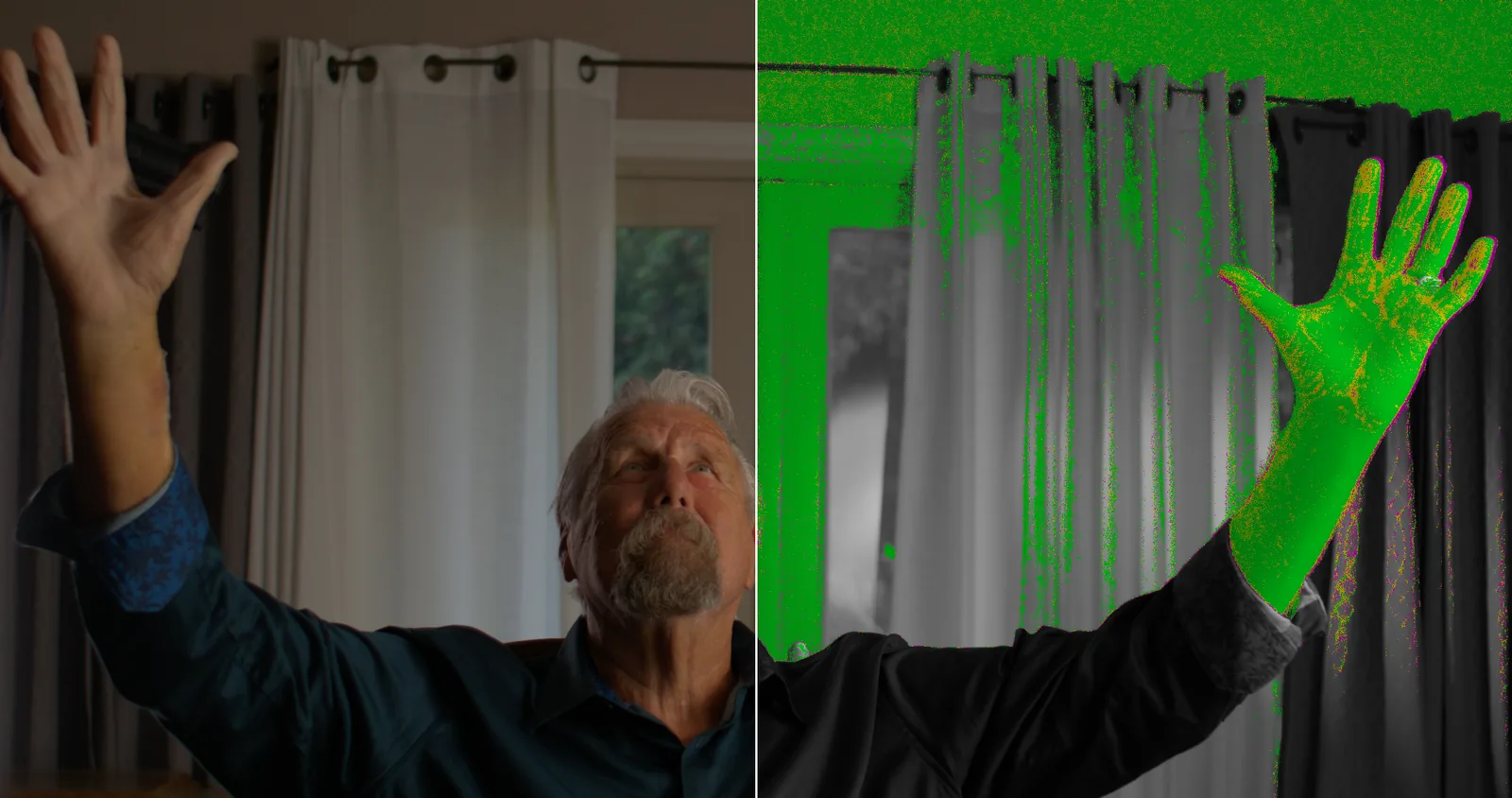
The vectorscope tells you skin is near the line. It doesn't tell you which part of the face drifted, or that one window just clipped.
With M3 Balance
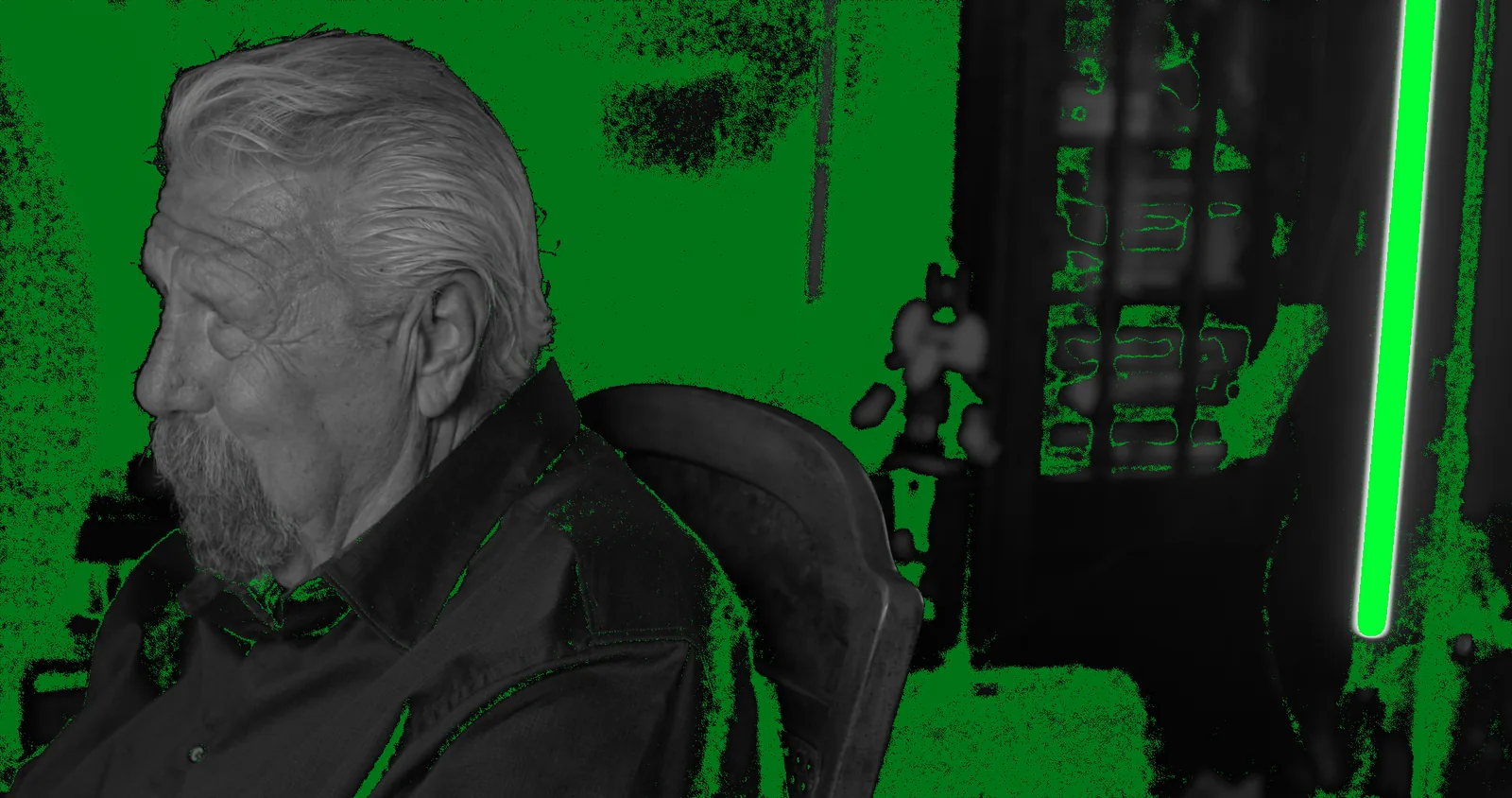
M3 Balance puts the answer on the picture. Yellow skin is on the line, green leans yellow, magenta leans red. Red is clipped. Turn it off before you render.
How does M3 Balance work?
- 01
Install the package
Run the Mac installer, then open Resolve. It shows up in the OpenFX panel under Monolith 3.
- 02
Put it on the last node
After your output transform, so it reads the same display values you're looking at.
- 03
Pick a mode
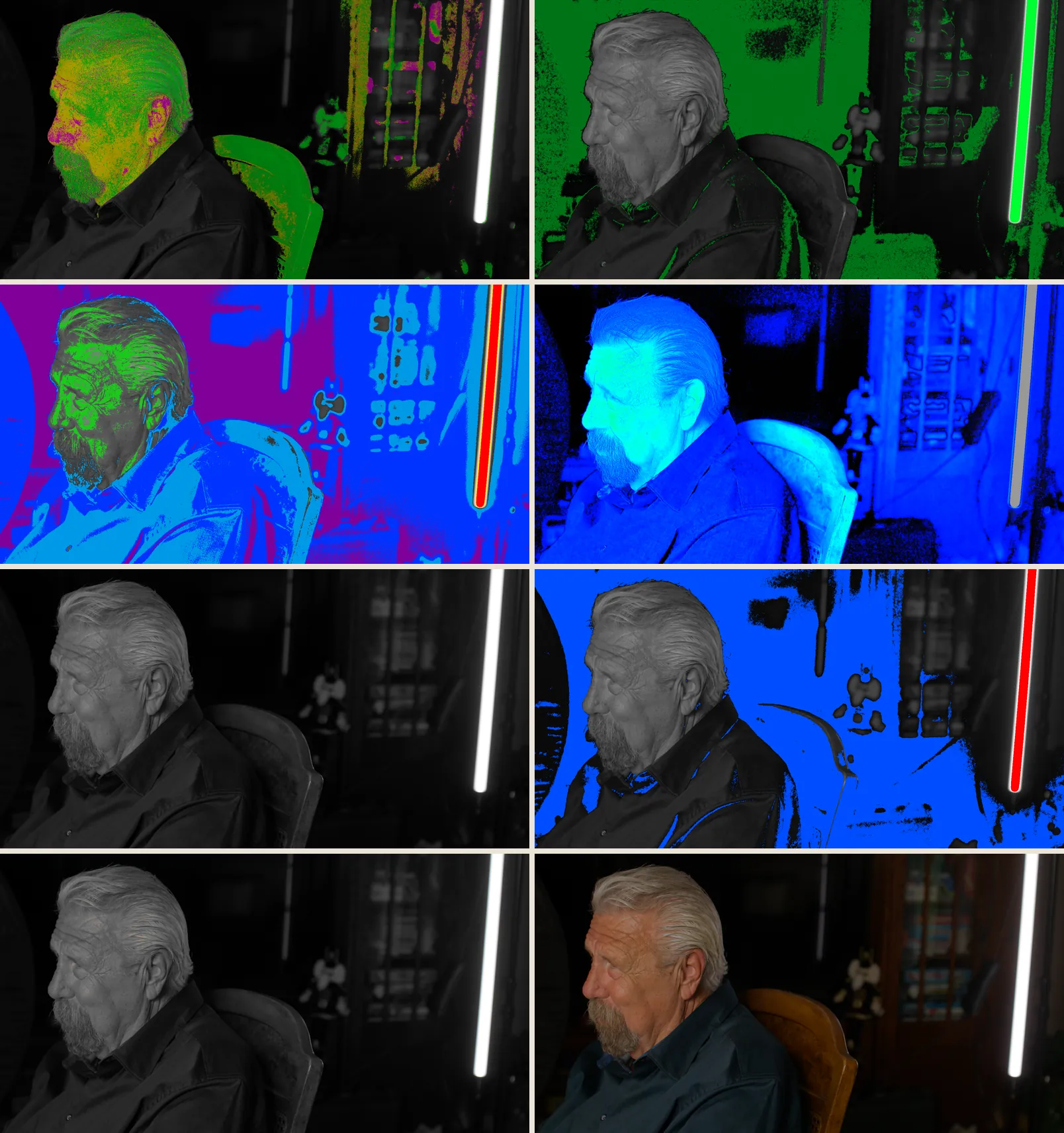
Eight checks in one effect. Split the frame to see the picture and the check side by side.
- 04
Turn it off to render
It's a checker. Disable the node and the grade underneath is untouched.
What does each mode check?
| Mode | What it shows |
|---|---|
| Skin Tone Indicator | Skin on the line in yellow, leaning yellow in green, leaning red in magenta |
| Highlight Neutrals | Bright areas that are truly neutral, in green |
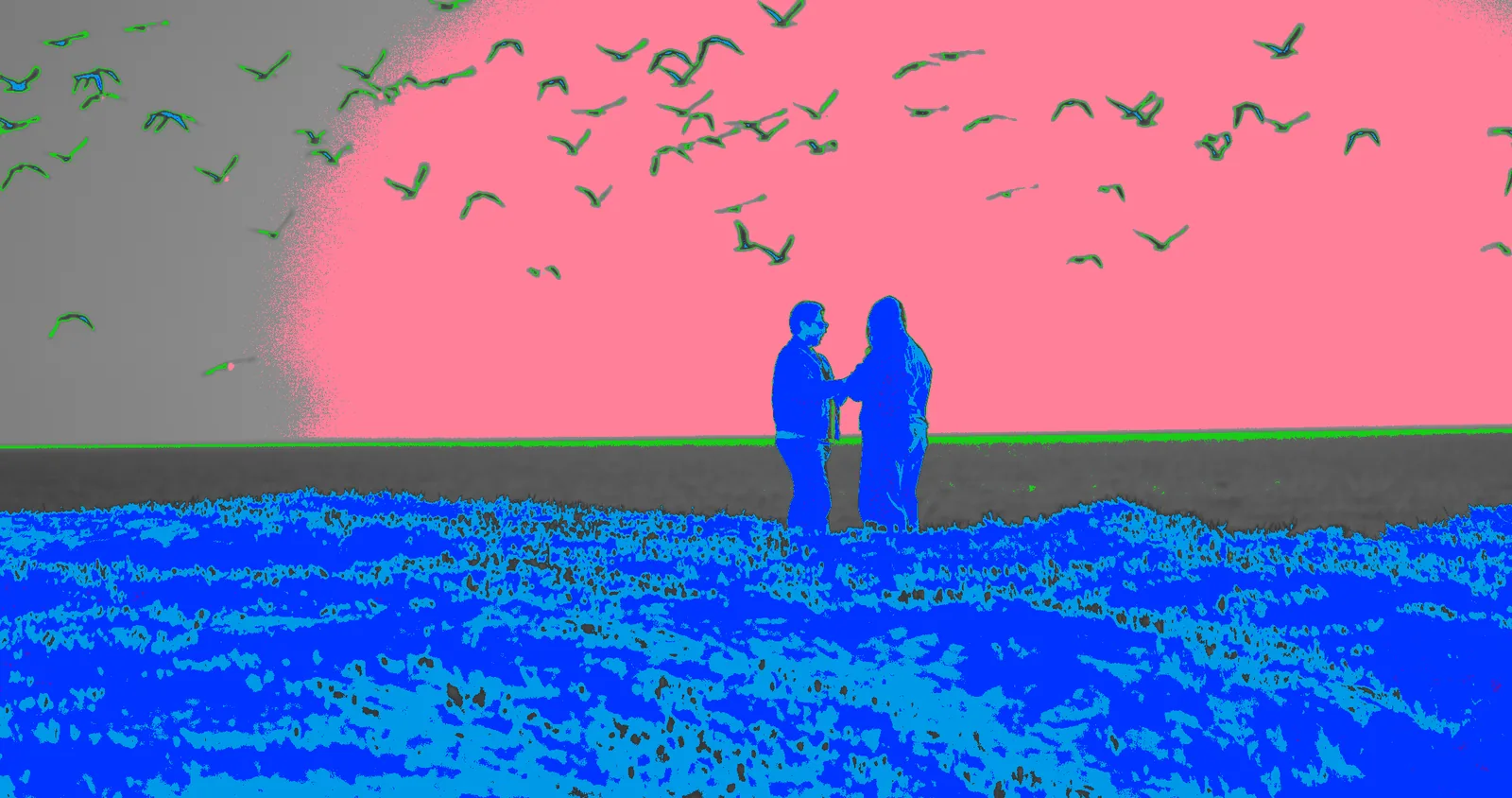
| Exposure Heatmap | Crushed blacks to clipped whites in fixed bands, with middle gray and skin marked |
| Saturation Heatmap | Blue for flat, red for loud |
| Monochrome | The frame in luma only, to judge contrast |
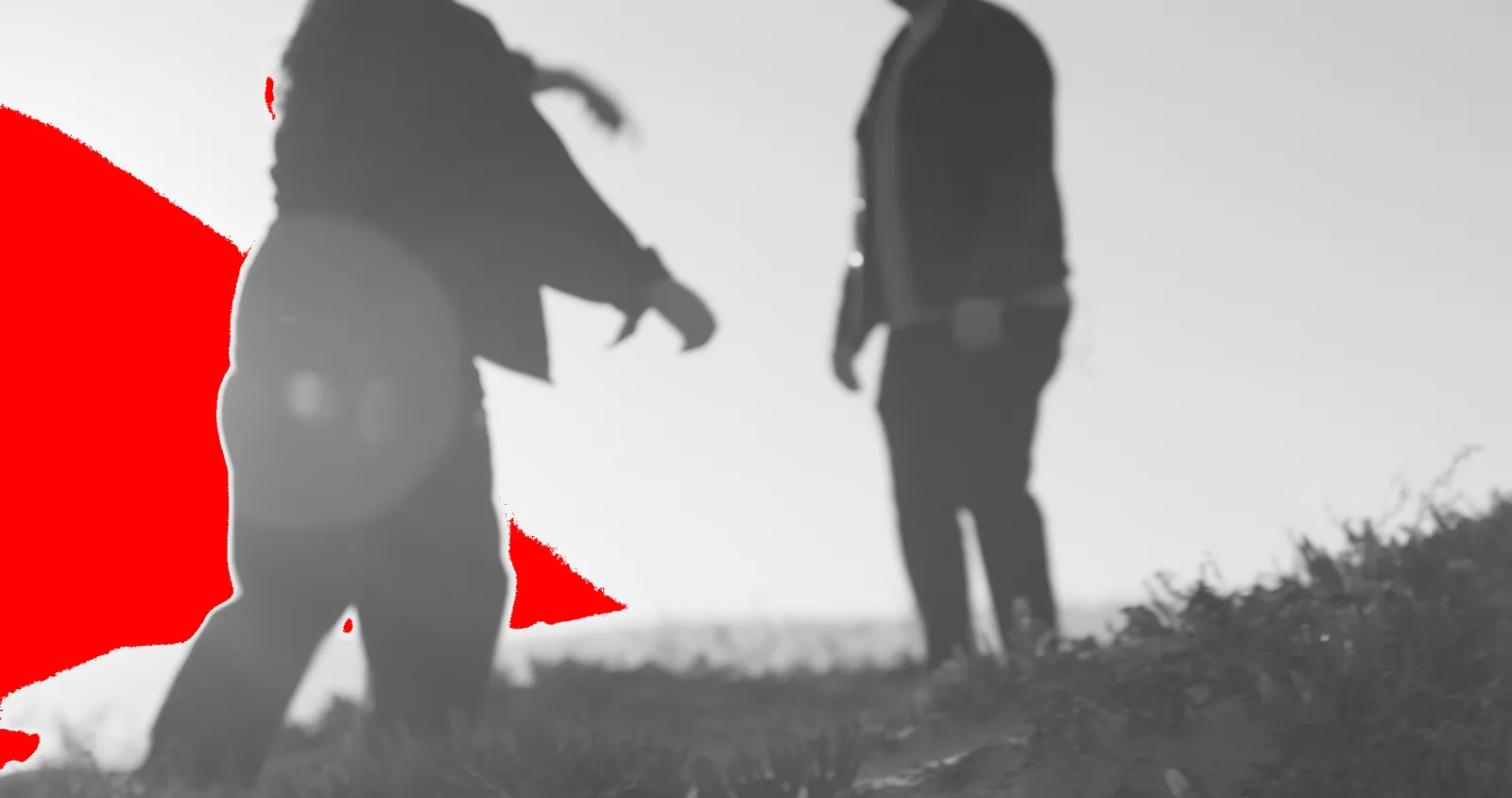
| Clipping | Clipped highs in red, crushed lows in blue |
| Isolate Highs | Only what's above the threshold keeps its color |
| Isolate Lows | Only what's below the threshold keeps its color |
How does it compare to Resolve's own scopes?
| M3 Balance | Resolve's scopes | |
|---|---|---|
| Shows where on the frame | Painted on the picture | A graph beside it |
| Skin line check | Per pixel, in three colors | One line on the vectorscope |
| Split frame: picture and check | Built in | No |
| Cost | $15 once | Included |
What do you get?
- The M3 Balance OpenFX effect for DaVinci Resolve on Mac
- All eight checks, with a split view
- The same math as our Balance Tool DCTL, matched on all 26 test cases
- The Windows version, free, when it ships
- Setup steps by email, and a person to write to if you get stuck
Who isn't it for?
- Making a look. It checks one.
- Anyone not grading in DaVinci Resolve
- Windows today. That version is in testing.
What does M3 Balance cost?
Questions
What do I need to run it?
DaVinci Resolve on a Mac with macOS 11 or later, Apple silicon or Intel. We test it in Resolve Studio.
Is it a LUT or a look?
No. It changes nothing in your grade. It paints the checks over the picture while it's on, and you turn it off before you render.
Where do I put it?
On the last node, after your output transform, so it reads the display values you're judging.
Is it the same as the Balance Tool DCTL?
Same math. We check the effect against the DCTL and it matches on all 26 test cases. The effect adds a proper panel and shows up in the OpenFX browser.
When is the Windows version coming?
It's built and in testing now. Everyone who buys the Mac version gets it free when it ships.
The installer won't open. What do I do?
It isn't signed, so macOS may block it the first time. Open System Settings, then Privacy & Security, scroll down and click Open Anyway.
What happens after I buy?
Stripe sends the receipt. The download link and the setup steps follow by email a few minutes later.
Is M3 Balance made by Blackmagic Design?
No. M3 Balance is an independent OpenFX effect from Monolith 3. DaVinci Resolve is a trademark of Blackmagic Design, which doesn't make or endorse it.
Check your next grade with it.
$15 once, for Mac. Windows free when it lands. No subscription.
Buy M3 Balance →